

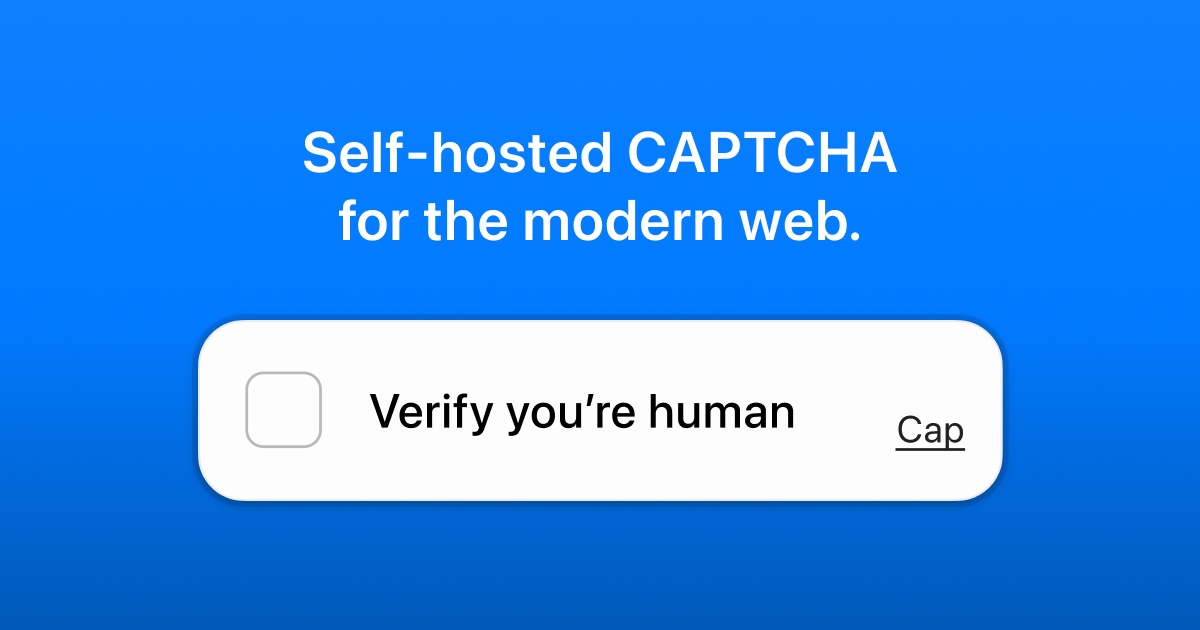


Most CAPTCHAs ask a question that bots have gotten good at answering and humans have gotten tired of. reCAPTCHA and hCaptcha also send visitor behavior to a third party, and Turnstile can loop on privacy browsers. Cap takes a different approach: it does not try to decide whether the visitor is human. It makes every request cost a little computation, and checks that the computation ran in a real browser. 8,400+ GitHub stars, Apache-2.0, self-hosted, no cookies, no telemetry, no puzzles.
What Cap is
Cap (trycap.dev, github.com/tiagozip/cap) has two parts. The widget runs in the visitor's browser, solves the challenge and gives you a token. The server, capd, issues challenges and verifies tokens, with a dashboard, analytics, rules and an API. Keys and settings live in Valkey. There is no hosted version, so you always run it yourself.
How it works
1. Challenge. When the widget becomes visible it asks your server for a challenge. The reply is a signed token describing the challenge, usually with an instrumentation script that starts in a sandboxed iframe.
2. Solve. The browser solves the proof of work in Web Workers using WebAssembly, on the visitor's first interaction or when they click the widget.
3. Check. Both results go to the server, which verifies the token's signature and the proof of work, marks the challenge as redeemed, then checks the instrumentation result.
4. Token. If all passes, the server issues a single-use token. The widget puts it in your form and your backend verifies it with /siteverify.
The server keeps no state for an open challenge, because everything it needs is in the signed token. It only stores redeemed challenges and issued tokens.
Why proof of work
Every CAPTCHA can be solved eventually, by image models, reverse engineering or people paid per solve. What a CAPTCHA can control is the price of each solve. If a spammer pays $1 to send 10,000 messages and earns $10, raising the cost to $100 turns the campaign into a loss. A normal visitor pays about half a second of CPU. The idea comes from Hashcash.
Two layers
Proof of work shows the client spent the computation. With plain SHA-256 a GPU clears about 150 times as many challenges as a CPU, so attackers can buy their way out. Cap's default algorithm, HashWX, cuts that gap to about 2 times.
Instrumentation shows the computation ran in a browser. Each challenge ships a freshly generated script that does arithmetic through the DOM, and the server knows the expected answer. It can also detect common automation tools and AI agents, and score how pointer and keyboard input reached the widget.
Proof of work alone can be solved by a script without a browser. Instrumentation alone can be mined cheaply by many real browsers. Each layer covers the other's gap. Neither stops people solving by hand, but the proof of work still makes each solve cost something.
Privacy
No cookies and no telemetry. Challenges, tokens and stats stay on your server. With behavior scoring on, the widget sends pointer movement and key timing, but never which keys were pressed. The widget calls your endpoint plus jsDelivr for its WASM files, unless you self-host them. The docs include a compliance page for GDPR, CCPA and accessibility.
Setting it up
The quickstart takes about five minutes. Run capd with Docker on your own server, on Railway or on a serverless platform such as Workers, and choose DuckDB for analytics on small sites or ClickHouse to scale. The repo ships ready-made Compose files for both. Open the dashboard on port 3000, log in with your ADMIN_KEY and create a site key. Then add the widget to your form:
<cap-widget data-cap-api-endpoint="https://cap.example.com/SITE-KEY/"></cap-widget>When the visitor solves it, a hidden cap-token field is added to the form. On your server, send the token and the site key's secret to /siteverify. A valid token returns success once, so verifying it twice is a quick end-to-end test. The most common mistake is using the ADMIN_KEY where the site secret belongs. Coming from reCAPTCHA, the request format is the same, so you mostly change the hostname. If you prefer to keep everything inside your backend, there is a minimal core library on npm, without the dashboard and rate limiting.
How it compares
Cap's own comparison page rates it against reCAPTCHA, hCaptcha, Turnstile, Altcha, FriendlyCaptcha and others. It is the author's view, but the arguments are concrete. Turnstile is reported to fail on Brave and Librewolf and cannot be overridden when it flags a user. hCaptcha puts a puzzle tax on users, with cited drop-off of 5 to 15 percent. Altcha is the closest open-source peer. FriendlyCaptcha is paid, from 9 EUR a month for 1,000 requests. Anubis uses proof of work too, but defaults to low difficulty and is not a CAPTCHA server. The page is upfront that if you do not want to run infrastructure, Turnstile or FriendlyCaptcha fits better.
Who it is for
Good fit: sites with signup, login, contact or comment forms that want Google out of the loop; EU projects that want GDPR compliance without tracking; teams already running Docker; anyone migrating off reCAPTCHA.
Not ideal: teams that do not want to host anything; sites targeted by human solving farms, where proof of work only raises the cost.
My take
The most useful idea is the honest threat model. Cap does not promise bots cannot solve it. It makes each solve cost money, and uses instrumentation so that money is spent in a real browser. For a spam-prone form that is the right trade, and the visitor pays half a second instead of a minute of clicking bicycles. The price is running capd, Valkey and an analytics store yourself.
PIPOLINE · DEVOPS CONSULTING
Need help moving off reCAPTCHA?
Docker Compose deployment of capd, Valkey and analytics storage, HTTPS and tunnels, widget integration, server-side token verification, and tuning difficulty and rules for your traffic.
Get in touch at pipoline.com



Member discussion